

Occupancy & building controls
Six-button scene panel
A battery-powered panel with six buttons; where the site sets it up, a press can switch a room or lighting scene. It mounts on a wall with adhesive or sits on a desk.
- No. 215
- 6 buttons
- 3-year battery rating
- No wiring
Specifications
| Reads | Button presses (6 buttons) |
|---|---|
| Mount | Wall, adhesive or desktop |
| Power | Lithium battery, about 3 years (manufacturer rating) |
| Rating | IP30, indoor, −10 to 50 °C |
| Radio | LoRaWAN (North America) |
| Catalog | Cognituv Connect No. 215 |
Confirm site suitability, calibration and current product specifications before ordering. The product data sheet governs.
Request the data sheet →What you see in Cognituv Connect
Which room scenes do people actually use, and at what times?
It reads Button presses (6 buttons)
How Cognituv Connect works →Where it’s used
Offices & commercial real estate
Meeting rooms, private offices
Hospitality
Guest rooms, suites
Education
Classrooms, lecture rooms
Recommended for
More in occupancy & building controls
All occupancy & building controls →Occupancy & building controls
LCD room display
Wall or desk LCD display for room status, powered by PoE or DC.LCDPoE or DC245 × 160 mmSpecs and usesOccupancy & building controls
Smart thermostat
24 VAC wall thermostat with remote setpoints, schedules and humidity sensing.24 VACLCD displayTemp · humiditySpecs and usesOccupancy & building controls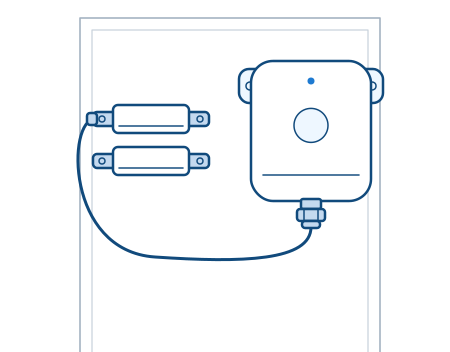
Window contact with glass-break detector
Stick-on window contact that also reports glass-break events.Glass break · open/closeAdhesive mountIP30Specs and usesPlan a system around it.
The planner builds a gateway and sensor schedule around the problem you want to see. A Cognituv engineer confirms placement and coverage, then sends a quote.