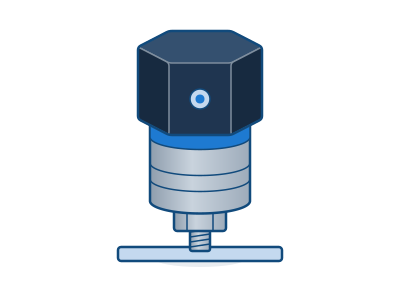
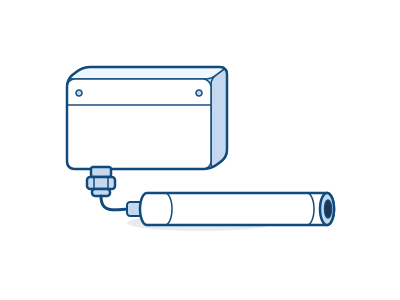
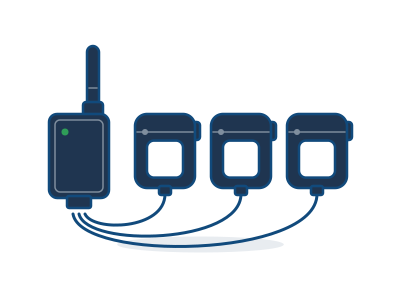
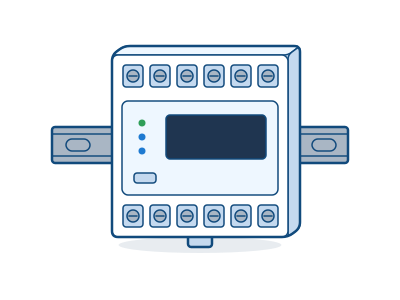
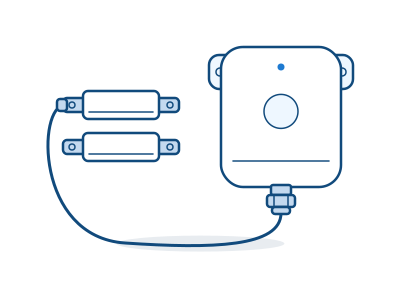
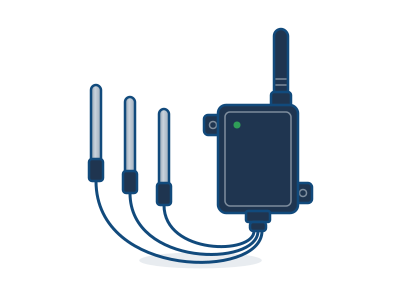
- What is Cognituv Connect?
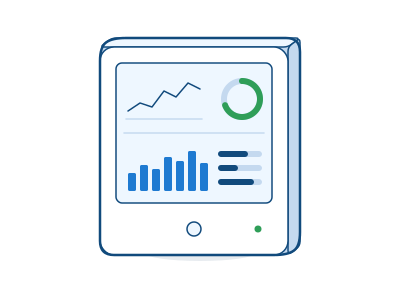
- Cognituv’s wireless monitoring platform: gateways and sensors on your equipment, utilities, cold chain and rooms, with every reading in one dashboard. It sets the baseline before a project and measures the result after it, including the results of Cognituv treatment systems.
- Where should we begin?
- With one recurring problem, or one area you can’t see between checks. Name the asset or zone, how you check it today, what you want to see earlier and who would act on it. The planner walks you through those questions and suggests the monitoring points. Plan your system →
- Why does every system start with a gateway?
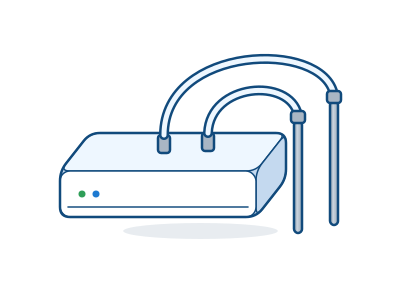
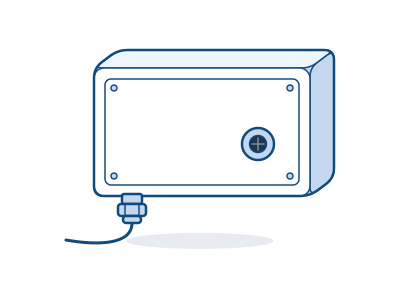
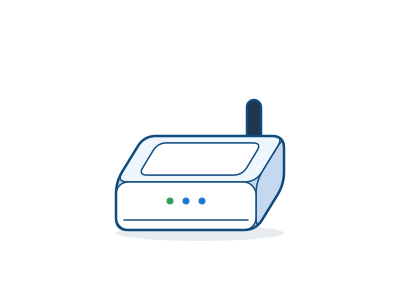
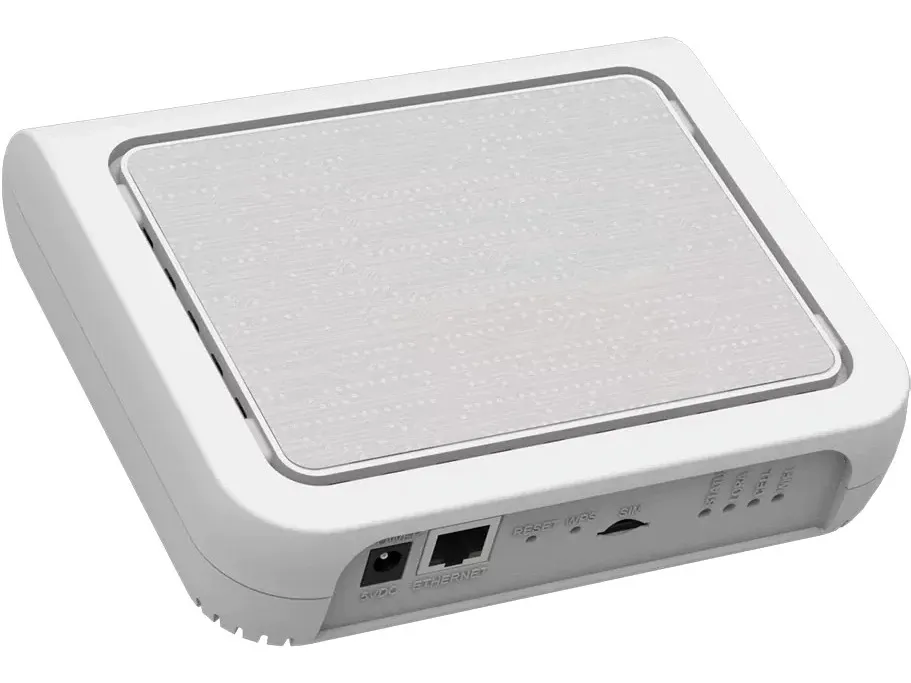
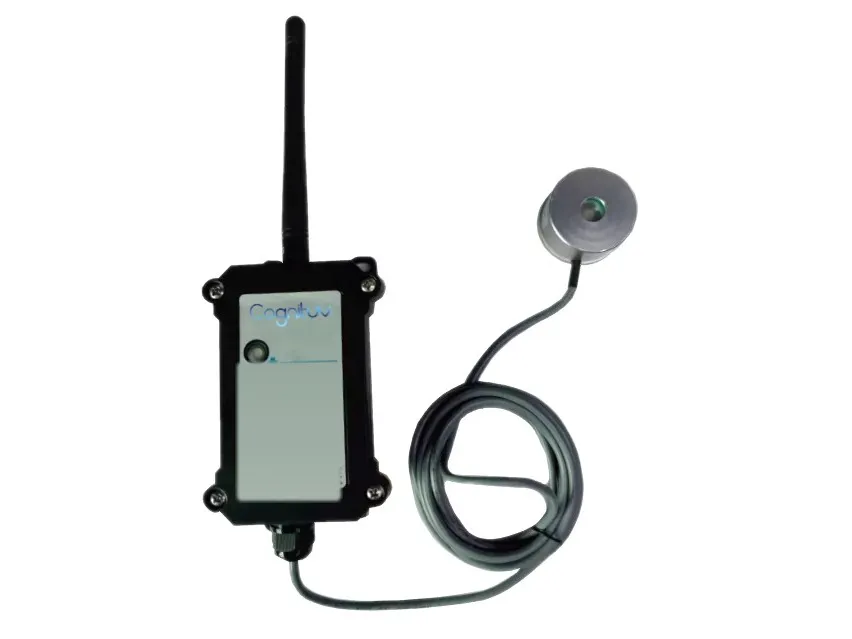
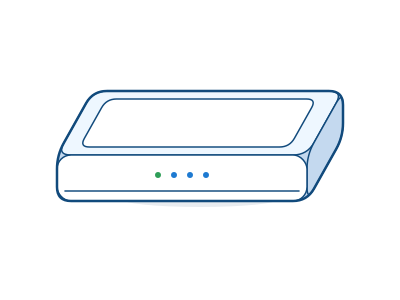
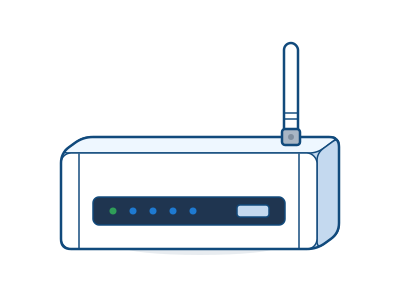
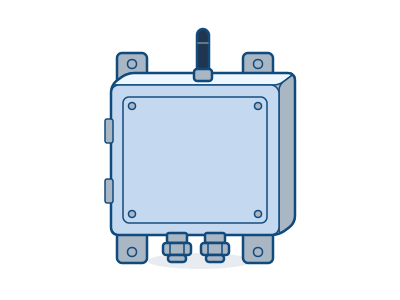
- Sensors send their readings over LoRaWAN radio to a gateway, and the gateway carries them to Cognituv Connect over Ethernet, Wi-Fi or its own cellular connection. Each building or radio zone gets its own gateway.
- How many gateways do we need?
- Plan on one per radio zone or about 150 sensors, whichever calls for more. That’s a starting point: walls, metal, racking and separate buildings all affect coverage, so Cognituv confirms the final design with a signal survey before install.
- Does it have to use our network?
- No. Gateways can use Ethernet, Wi-Fi or cellular. A cellular gateway keeps the data off the plant or building network entirely, though the site’s security and connection policies still apply. Confirm the connection with IT.
- Are the sensors battery-powered?
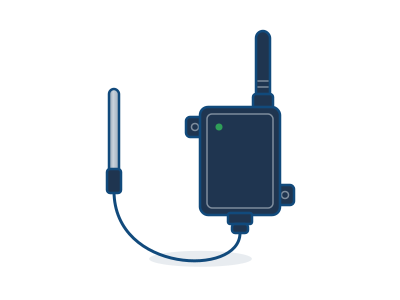
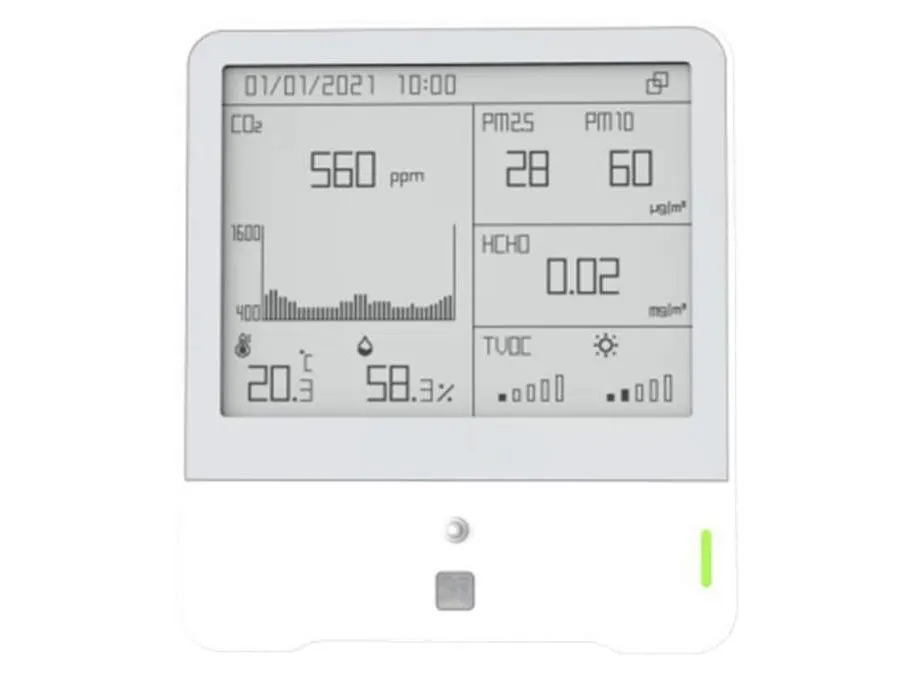
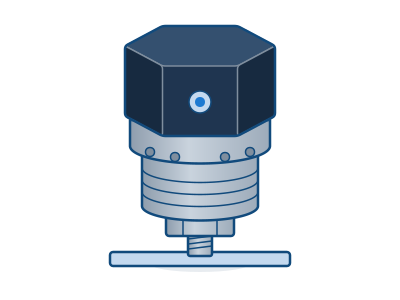
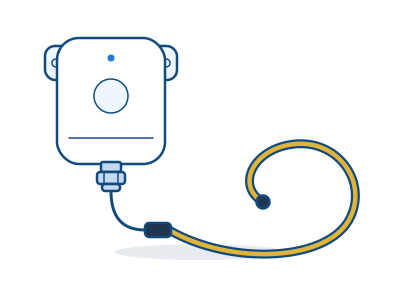
- Many are, and some are self-powered or run on DC. Each product page lists the power arrangement. Battery life depends on the model and how often it reports.
- Can it work with the systems we already have?
- Yes. Connect works with BACnet, MQTT and webhooks, and the Modbus bridge brings readings in from existing meters and controllers. Bring your current platform and the data flow you want to the technical review, and integration is confirmed for your deployment.
- Will it prevent downtime or guarantee savings?
- No monitoring system can promise that. Condition trends support earlier investigation and better decisions, and the result depends on the equipment, the placement and how your team responds. That’s why every Connect system starts with a baseline and measures the outcome against your own operating records.
- Does it replace safety detectors or compliance sampling?
- No. Connect supports monitoring and records. It doesn’t replace required controls, life-safety detectors, exposure sampling, calibration or your compliance procedures. The product data sheet governs specifications.
- What does Connect cost?
- Each system is scoped and quoted for the site: the gateway and sensors, installation and the monitoring program. Build a plan here, and a Cognituv engineer confirms placement and coverage, then sends a written quote.
- Is the plan I build here a quote?
- No. It’s a proposed gateway and sensor schedule for your review. Quantities, compatibility, installation and pricing are confirmed with Cognituv before you order.
- Is what I enter in the planner saved?
- The planner runs in your browser and nothing is stored on our site. Your plan is only sent to Cognituv if you choose to send it with the setup request form.
Sensors support monitoring and records. They don’t replace life-safety detectors, exposure sampling, equipment controls or the site’s own review and calibration procedures. The product data sheet governs specifications. Catalog · October 2026.